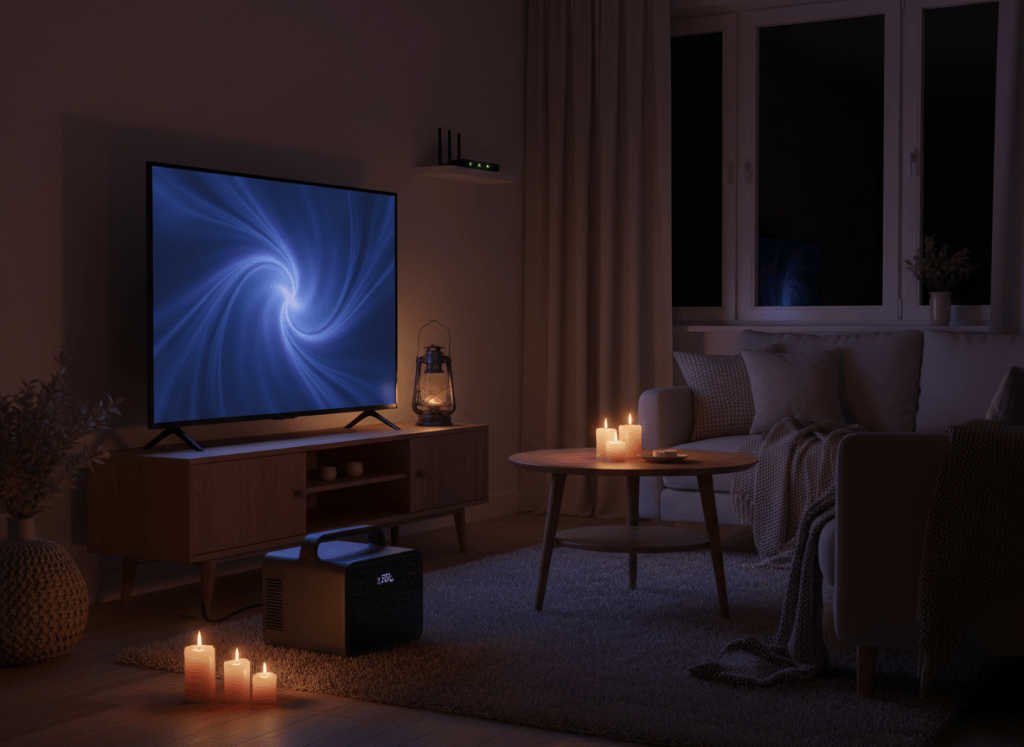
Quick answer: yes, easily. A modern 55-inch LED TV uses roughly 55 W while on, and a router plus modem typically adds 10–20 W, so a 1 kWh power station runs TV and Wi-Fi for about 11 hours. A PS5 is the heavy one: Sony measured it at below 100 W to around 200 W while gaming, so a TV, console and Wi-Fi together drain 1 kWh in about 3 hours.
How we worked this out: TV figures come from real EnergyGuide labels; console figures from Sony’s published measurements; router figures are typical estimates. Runtimes are our own math, shown below. We haven’t tested these setups hands-on. See How We Test.
How much power do these devices use?
| Device | Power while in use | Where the number comes from |
|---|---|---|
| 43-inch LED TV (LG 43LH5500) | ~42 W | EnergyGuide label: 76 kWh/year at 5 h/day |
| 55-inch LED TV (LG 55LH575A, TCL 55S21) | ~54–55 W | EnergyGuide labels: 98 and 100 kWh/year at 5 h/day |
| PS5 while gaming | Below 100 W to ~200 W | Sony’s measurements of launch models |
| PS5 in rest mode (suspend) | 0.5 W or less | Sony |
| Router + modem | ~10–20 W | Typical estimate; check the power adapters’ labels |
| Laptop | ~60 W while working | Our planning figure |
Turning a TV’s EnergyGuide label into watts
TV labels assume 5 hours of use a day (plus standby the rest of the time). So: watts while on ≈ kWh per year × 1,000 ÷ 365 ÷ 5. For the TCL 55S21: 100 × 1,000 ÷ 365 ÷ 5 ≈ 55 W. It slightly overstates on-power because a little of the yearly total is standby, which makes it a safe planning number.
The runtime formula
Hours = (battery Wh × 0.85) ÷ (total device watts + 10 W inverter)
- 55-inch TV (55 W) + router and modem (15 W) = 70 W.
- Add 10 W for the inverter: 80 W.
- A 1,024 Wh station gives about 1,024 × 0.85 ≈ 870 Wh.
- 870 ÷ 80 ≈ 10.9 hours.
| Setup (with inverter) | Total watts | 1 kWh station | 2 kWh station |
|---|---|---|---|
| Router + modem only | ~25 W | ~35 h | ~70 h |
| 55-inch TV only | ~65 W | ~13 h | ~27 h |
| TV + Wi-Fi | ~80 W | ~11 h | ~22 h |
| Wi-Fi + laptop (on USB-C) | ~85 W | ~10 h | ~20 h |
| TV + Wi-Fi + PS5 gaming (~200 W) | ~280 W | ~3 h | ~6 h |
Three real-world scenarios
1. An evening outage: TV and Wi-Fi for three hours
TV and Wi-Fi at about 80 W for 3 hours use roughly 240 Wh, about a quarter of a 1 kWh station. Even a small 300 Wh camping unit could cover it. See our small power station picks.
2. Working from home through an outage
Router and modem on AC (about 25 W with the inverter) plus a laptop charging from USB-C (about 60 W) is roughly 85 W. An 8-hour workday uses about 680 Wh, which a 1 kWh station covers with room for phones. If your router is plugged in through the station as a UPS, the connection stays up the moment the power drops. More in power station vs UPS for a home office.
3. Keeping the kids gaming during a storm
A TV, Wi-Fi and a PS5 at up to 200 W total about 280 W: roughly 840 Wh for three hours, nearly all of a 1 kWh station. If the same station also has to keep the refrigerator cold overnight, gaming has to wait. Put the fridge first; see best power stations for a refrigerator.
How to make it last longer
- Charge laptops, tablets and phones from USB-C, not the AC outlets.
- Use the smaller screen. A tablet or laptop uses a fraction of a big TV’s power.
- Lower the TV’s brightness or use its energy-saving picture mode.
- Turn the console fully off or use rest mode with USB power and internet off; Sony lists 0.5 W or less for suspend.
- Turn off the AC outlets on the station when nothing needs them, to save the inverter’s idle draw.
Common mistakes
- Assuming internet will work. Your router can stay on, but the connection also depends on your provider’s local equipment having power. Keep your phone charged as a backup hotspot.
- Reading the adapter label as real use. A router adapter marked 12 V 2 A (24 W) is a maximum, not the typical draw.
- Gaming on the fridge’s battery. A console session can use most of a 1 kWh station.
- Forgetting the inverter. Even small AC loads carry about 10 W of overhead.
Which power station fits?
| If you mainly need… | Size | Examples |
|---|---|---|
| Wi-Fi and a TV for an evening | ~300 Wh | See our EcoFlow RIVER 3 Plus review |
| A full workday online, or TV and Wi-Fi overnight | ~1 kWh | Anker SOLIX C1000 Gen 2, EcoFlow DELTA 3 Plus |
| Fridge plus entertainment and work | 2 kWh or more | Best power stations for home backup |
Not sure how to read the specs? See power station specs explained.
Frequently asked questions
Is it safe to run a TV from a power station?
Yes, with a pure sine wave inverter, which the models we review provide. TVs and routers are designed for that kind of power.
Will a power station keep my Wi-Fi on automatically when the power goes out?
If it has a UPS feature and the router is plugged into it while it’s plugged into the wall, yes. Current models switch over in about 10–20 ms.
Can a power station run a gaming PC?
Yes, if its output covers the PC and monitor, but gaming PCs can draw several hundred watts, so runtimes are short. Measure yours with a plug-in meter and use our formula.
How long will a PS5 run on 1 kWh?
At about 200 W while gaming, plus 10 W for the inverter, about 4 hours for the console alone, and about 3 hours once you add the TV and Wi-Fi.
The bottom line
TV and Wi-Fi are light loads: about 80 W together, or roughly 11 hours on a 1 kWh station. A game console roughly triples the draw. Plan the fridge first, then entertainment. For your full list, use our sizing guide.
Sources
- EnergyGuide labels: LG 43LH5500, LG 55LH575A (official) and TCL 55S21 (official).
- U.S. FTC labeling rule, 16 CFR 305.19 (TV labels based on 5 hours on per day).
- Sony Interactive Entertainment, PlayStation and the environment: our products (PS5 gaming and rest-mode power).

