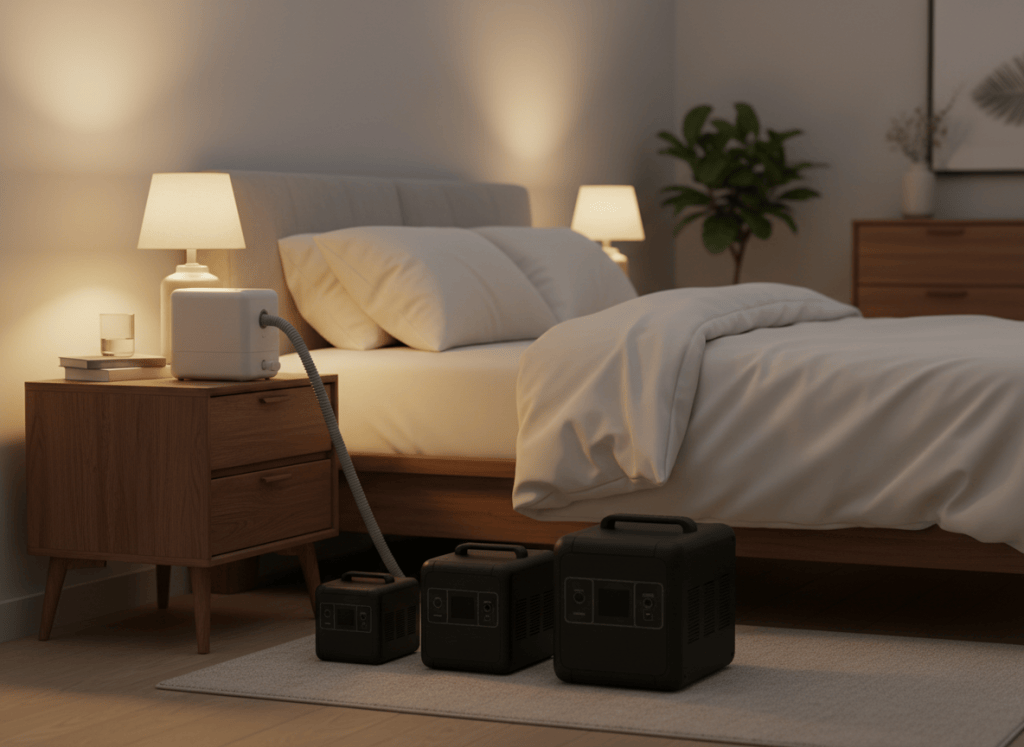
Our picks: the Anker SOLIX C1000 Gen 2 is the best all-around power station for CPAP users, the EcoFlow DELTA 3 Plus is best if you also want to back up the rest of your home, the Jackery Explorer 1000 v2 is the easiest 1 kWh unit to travel with, and the EcoFlow RIVER 3 Plus is the best small, budget-friendly option you can expand later.
| Pick | Best for | Nights (humidifier on) |
|---|---|---|
| Anker SOLIX C1000 Gen 2 | Best overall: quietest, fast UPS, fastest recharge | ~1.7 |
| EcoFlow DELTA 3 Plus | CPAP plus whole-home backup; expandable to 5 kWh | ~1.7 (up to ~8 when expanded) |
| Jackery Explorer 1000 v2 | Travel and road trips; lightest 1 kWh pick | ~1.75 |
| EcoFlow RIVER 3 Plus | Small budget start; expandable to 858 Wh | ~0.5 (~1.4 when expanded) |
How we chose: research-based picks built on each manufacturer’s official specifications and our transparent runtime math, written by a physician. We have not tested these units hands-on. Night estimates assume an 8-hour night running the CPAP from the AC outlet. See How We Test.
What matters in a power station for CPAP
| Feature | Why it matters | What to look for |
|---|---|---|
| Capacity | Outages after storms often last longer than the first estimate | Enough for at least two nights at your settings |
| UPS switchover | Keeps therapy running if the grid fails while you sleep | About 10 ms or faster |
| Noise | It sits next to your bed | Rated at or below about 30 dB at CPAP-level loads |
| 12 V car outlet | Lets you use your CPAP maker’s DC converter for longer runtime | A 12 V, 10 A socket |
| Battery chemistry | It will sit on standby for years | LiFePO4 (LFP); see LiFePO4 vs lithium-ion |
| Recharge speed | Refill quickly when power briefly returns or before a storm | About an hour from the wall |
Our picks compared
| Anker SOLIX C1000 Gen 2 | EcoFlow DELTA 3 Plus | Jackery Explorer 1000 v2 | EcoFlow RIVER 3 Plus | |
|---|---|---|---|---|
| Capacity | 1,024 Wh | 1,024 Wh (to 5 kWh) | 1,070 Wh | 286 Wh (to 858 Wh) |
| Nights, humidifier off | ~2.7 | ~2.7 | ~2.8 | ~0.8 (~2.3 expanded) |
| Nights, humidifier on | ~1.7 | ~1.7 | ~1.75 | ~0.5 (~1.4 expanded) |
| UPS switchover | 10 ms | Under 10 ms | 20 ms or less | Under 10 ms |
| Rated noise | About 20 dB under 200 W | Under 30 dB up to 600 W | About 30 dB (quiet mode) | Under 30 dB |
| 12 V car outlet | Yes (120 W) | Yes (126 W) | Yes (12 V, 10 A) | Yes (126 W) |
| Fastest wall recharge | ~49 min | 56 min | ~1 hour | ~1 hour |
| Weight | 24.9 lb | 27.6 lb | 23.8 lb | 10.4 lb |
1. Anker SOLIX C1000 Gen 2: best overall for CPAP
The C1000 Gen 2 has the lowest noise rating of our picks: Anker rates it around 20 dB under 200 W, and a CPAP draws far less than that. Add a 10 ms UPS, 1,024 Wh of LiFePO4 capacity rated for 4,000 cycles to 80%, and a recharge from empty in about 49 minutes with HyperFlash, and it’s the most complete bedroom backup we’ve analyzed. Its 2,000 W output also runs a refrigerator and small kitchen appliances during an outage.
- Why we like it: quietest rating, fast UPS, fastest recharge, strong output for the rest of the house.
- Keep in mind: capacity can’t be expanded; 600 W solar input.
Full details: Anker SOLIX C1000 Gen 2 review.
2. EcoFlow DELTA 3 Plus: best for CPAP plus whole-home backup
The DELTA 3 Plus matches the Anker on capacity and UPS speed and stays under 30 dB up to 600 W. Its advantage is growth: add EcoFlow extra batteries to reach up to 5 kWh, enough for about eight nights of CPAP with the humidifier on, or a CPAP and a refrigerator through a multi-day outage. It also accepts up to 1,000 W of solar, the most of our picks.
- Why we like it: expandable, strongest solar input, six AC outlets.
- Keep in mind: the heaviest pick at 27.6 lb.
Full details: EcoFlow DELTA 3 Plus review.
3. Jackery Explorer 1000 v2: best for travel
At 23.8 lb with a folding handle, the Explorer 1000 v2 is the lightest 1 kWh pick and holds slightly more energy (1,070 Wh). Its quiet charging mode runs around 30 dB, and it refills in about an hour in Emergency mode. It’s a strong choice if you road-trip or camp with your CPAP and want outage backup at home too.
- Why we like it: lightest 1 kWh option, slightly more capacity, simple to use.
- Keep in mind: UPS switchover of up to 20 ms, slower than our other picks; 400 W solar input; not expandable.
Full details: Jackery Explorer 1000 v2 review.
4. EcoFlow RIVER 3 Plus: best small and budget-friendly start
At 10.4 lb, the RIVER 3 Plus is easy to carry, runs under 30 dB and switches over in under 10 ms. On its own, its 286 Wh covers most of one night with the humidifier off; running your CPAP through its 12 V outlet with your maker’s DC converter can stretch that. Add EcoFlow’s EB600 extra battery later and it reaches 858 Wh, about two nights with the humidifier off.
- Why we like it: light, quiet, affordable entry point that can grow.
- Keep in mind: not enough for a full night with the humidifier on unless you expand it.
Full details: EcoFlow RIVER 3 Plus review.
How to size a power station for your CPAP
- Find your nightly use. Plug your CPAP into a watt meter for one normal night, or use our planning figures: about 320 Wh with the humidifier off and 520 Wh with it on.
- Decide how many nights to cover. Two is a sensible minimum.
- Calculate: capacity needed ≈ nightly Wh × nights ÷ 0.85. Example: 520 Wh × 2 ÷ 0.85 ≈ 1,220 Wh.
- Add anything else you’ll run, such as a phone or a fan, using our sizing guide.
The full math, including the DC converter option, is in our CPAP runtime guide.
A physician’s advice before you buy
- Measure your own CPAP for one night with a plug-in watt meter. Your pressure and humidifier settings can change the numbers above a lot.
- Buy your CPAP maker’s model-specific DC converter if you want more nights. Never use a generic adapter just because the plug fits.
- Test one full night on the power station before an outage.
- Talk to your clinician about your backup plan, especially if you use a BiPAP or special settings. If you depend on a ventilator or oxygen, a power station alone is not a complete plan.
Frequently asked questions
Can I take a power station on a plane for my CPAP?
No. U.S. airline rules don’t allow passengers to carry lithium batteries larger than 160 Wh, and every pick here is larger. For flights, look at CPAP batteries designed for air travel and check with your airline before you fly.
Does UPS switchover speed really matter for a CPAP?
If you leave your CPAP plugged into the power station every night, yes: a fast switchover means therapy continues without interruption when the grid drops. All our picks are fast; the Anker and EcoFlow models are rated at about 10 ms, and the Jackery at 20 ms or less. Test your own setup by unplugging the power station from the wall while your CPAP runs.
AC outlet or DC converter: which is better?
The AC outlet is simplest and works with the power supply you already have. A DC converter made for your exact CPAP model skips the inverter and usually gives you more nights from the same battery. ResMed, for example, recommends DC-to-DC converters for battery use.
Can one power station run my CPAP and my refrigerator?
Yes, but runtime drops quickly. With an average fridge and a CPAP with the humidifier on both running, a 1 kWh unit lasts roughly 7 hours; spread over a full day, with the CPAP on only at night, it stretches to about 9–10 hours. If you want both through a longer outage, consider an expandable unit or a 2 kWh model; see our home backup picks.
The bottom line
For most CPAP users, a 1 kWh-class LiFePO4 power station with a fast UPS covers one to nearly three nights. Choose the Anker SOLIX C1000 Gen 2 for the best overall balance and quietest rating, the EcoFlow DELTA 3 Plus if you want to expand into home backup, the Jackery Explorer 1000 v2 if you’ll travel with it, or the RIVER 3 Plus to start small.
This article is general information, not medical advice. Follow your prescribing clinician’s instructions and your CPAP manufacturer’s guidance for powering your device.
Sources
- Anker SOLIX, C1000 Gen 2 (official product page).
- EcoFlow, DELTA 3 Plus (official product page).
- Jackery, Explorer 1000 v2 (official product page).
- EcoFlow, RIVER 3 Plus specifications (official product page).
- ResMed, Battery Guide for ResMed devices (PDF).

